
PIXEL PAINTER PRO
A hybrid pixel and vector animation tool for game assets, character animation, and illustration.
UNIFIED CANVAS
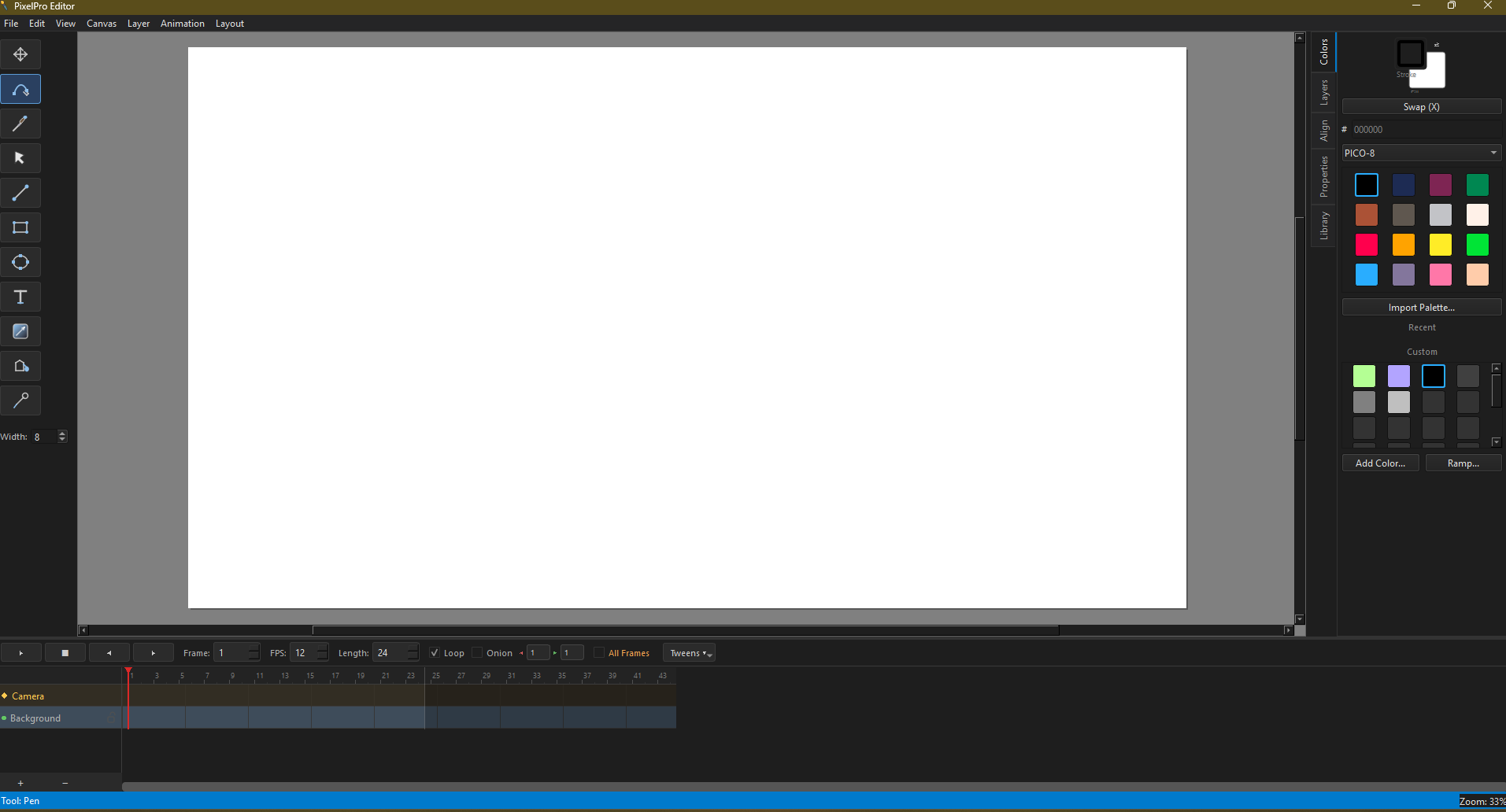
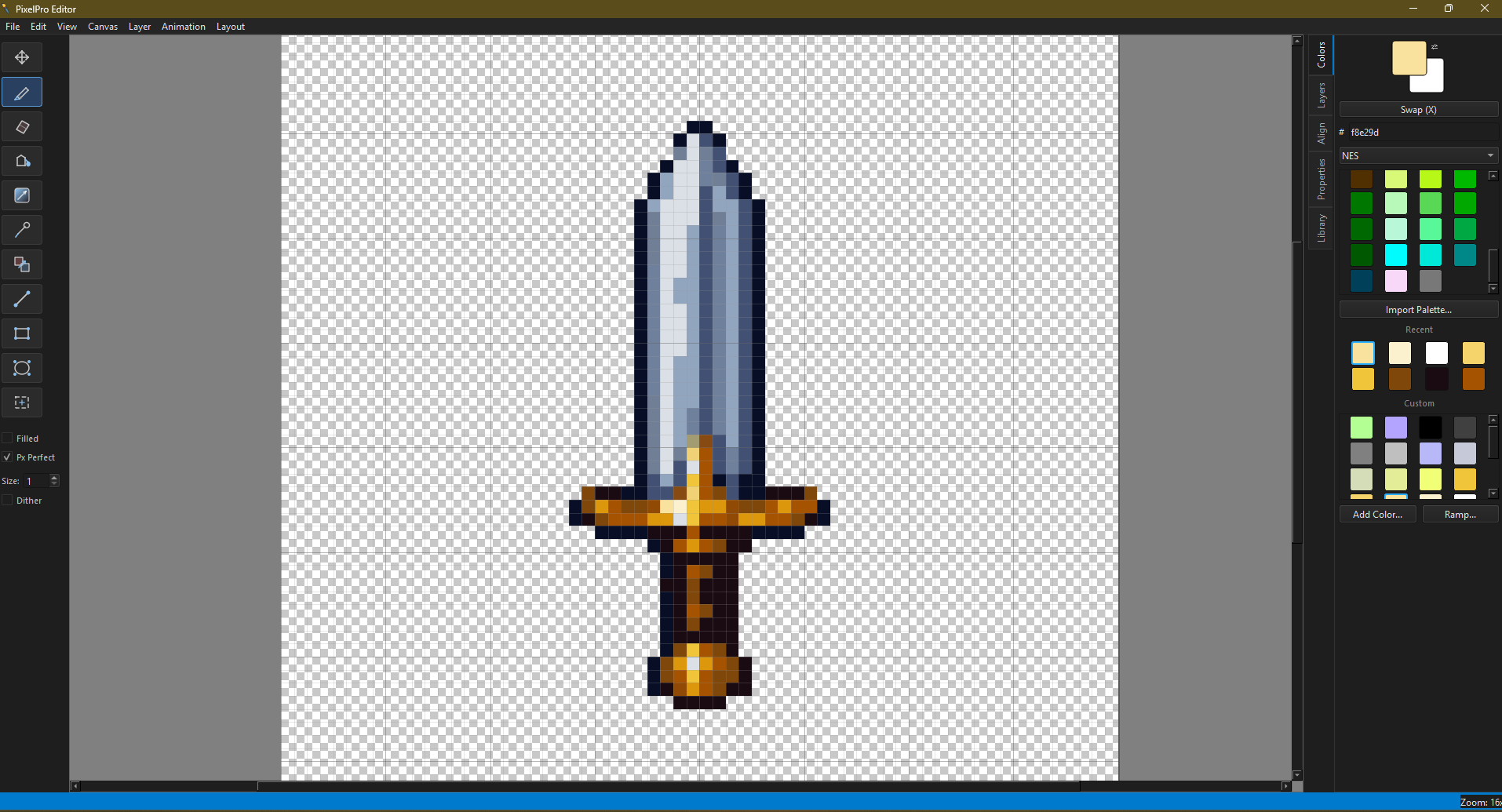
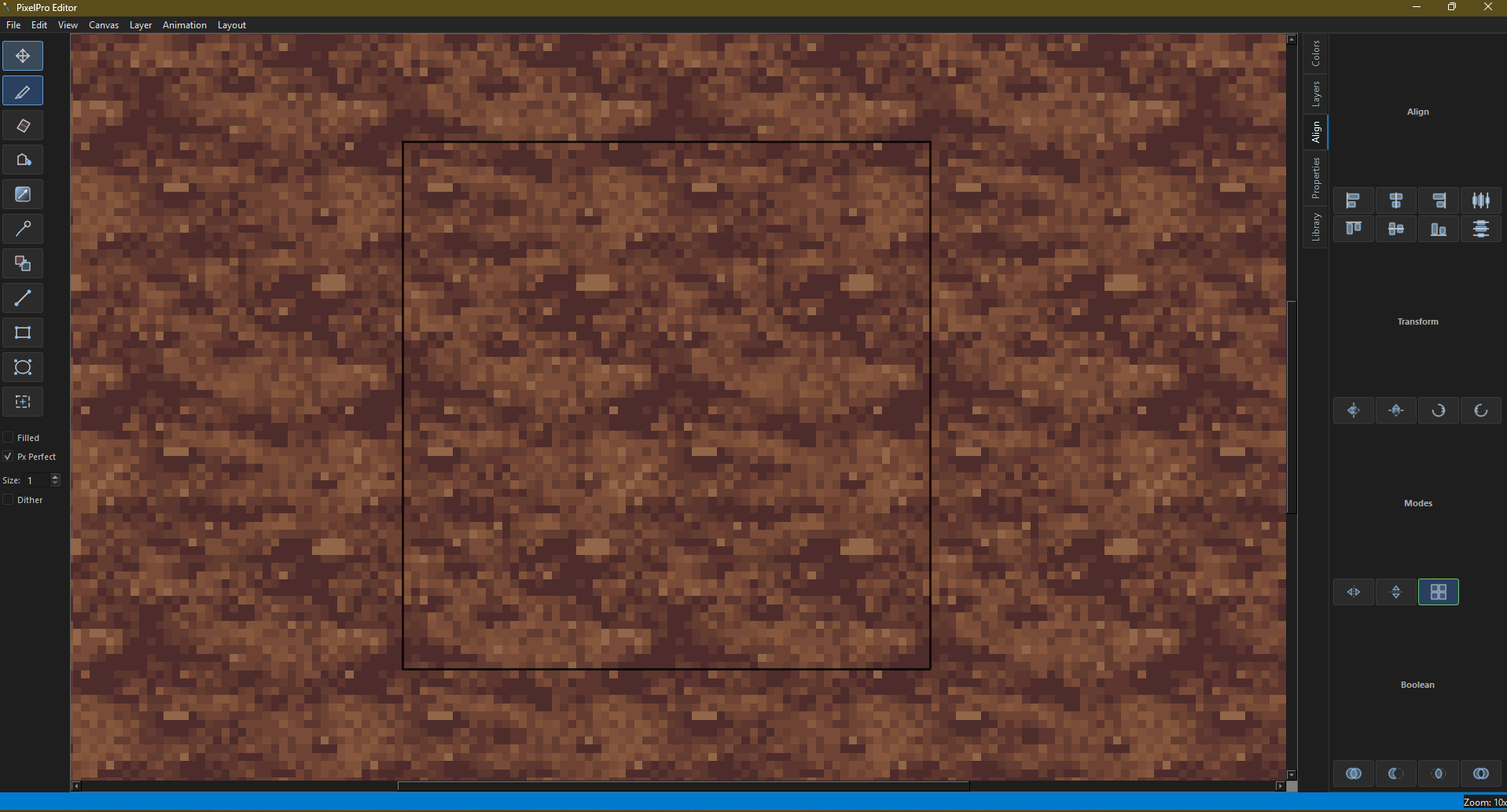
Pixel and vector tools on the same canvas. No mode switching — pick the right tool for the job and they coexist on any layer.
- Pencil and eraser with pixel-perfect stroke mode
- Pen tool with bezier curves for vector paths
- Shape tools — line, rectangle, ellipse (pixel or vector)
- Brush tool, fill bucket, gradient, color replace
- Text tool with full formatting
- Retro color palettes — PICO-8, GameBoy, NES, and custom
- Symmetry and tiling modes for seamless patterns
- Smart guides and sub-pixel vector positioning
- Lasso and rectangle selection with move, scale, rotate
- Clipping masks — vector shapes clip pixel artwork
- Document bounds overlay for pasteboard visibility
- Advanced stroke options — tapered ends, dash patterns, cap/join styles
- Built-in icon library — 50+ drag-and-drop vector icons for design work
PUPPETEERING
Build animated characters without traditional skeletal rigging. Convert any object into a symbol with its own internal timeline — each keyframe is a drawing. Parent objects for hierarchical rigs.
- Convert objects to symbols with internal drawing timelines
- One track per symbol — each keyframe is a drawing (like Adobe Animate)
- Parent/child hierarchy with full transform inheritance (rotation, scale, skew)
- Ctrl+G to cut pixel selections into animatable objects
- Drag-to-parent in the timeline for quick hierarchy setup
- Filtered hierarchy timeline — double-click a parent to see only its children
- Pivot-stable tweening — feet stay planted during squash and stretch
- Per-instance playback — loop, play once, or hold a single frame
- Drawing library with thumbnails for quick visual reference
- Combine with keyframe tweens for hybrid puppet/tweened motion
ANIMATION
Full keyframe animation with a visual timeline. Position, rotation, scale, and opacity are all keyframeable per object.
- Keyframes with tweens — linear, ease-in, ease-out, ease-in-out
- Motion paths for smooth arc movement
- Draggable keyframes and drawing keyframes on the timeline
- Audio track support (WAV)
- Animatic import for video reference overlay
- Onion skinning for frame-by-frame work
- Design and animation layout modes
EXPORT
- Static — PNG, JPEG, WebP, TIFF, SVG, PDF
- Animated — GIF, MP4, WebP, APNG
- Spritesheets — horizontal, vertical, or grid layout
- PNG sequence for frame-by-frame export
- ORA (OpenRaster) for compatibility
STATUS
Pixel Painter Pro is in early alpha. The unified pixel/vector canvas, selection tools, clipping masks, symbol timeline, character rigging with full transform inheritance, stroke options, and built-in icon library are all functional. Performance optimized with dirty rect rendering for large canvases.
This is an early alpha release. Expect bugs and missing features. Feedback welcome at [email protected].
FAQ
Can I use pixel and vector tools on the same canvas?
Yes. Both tool types work on any layer with no mode switching required.
Does Pixel Painter Pro support animation?
Yes. Full keyframe animation with tweens, motion paths, onion skinning, and a visual timeline.
What export formats are supported?
PNG, JPEG, WebP, SVG, PDF, GIF, MP4, APNG, spritesheets, and PNG sequences.
YOU MIGHT ALSO LIKE
Fast, lightweight RAW image editor for photographers.

Python IDE with built-in AI assistance and one-click builds.