
CINEBIT
A local-first media center for your movie collection. Browse, organize, and play your locally stored films, TV shows, music, and photos.
What's New in v1.4.0
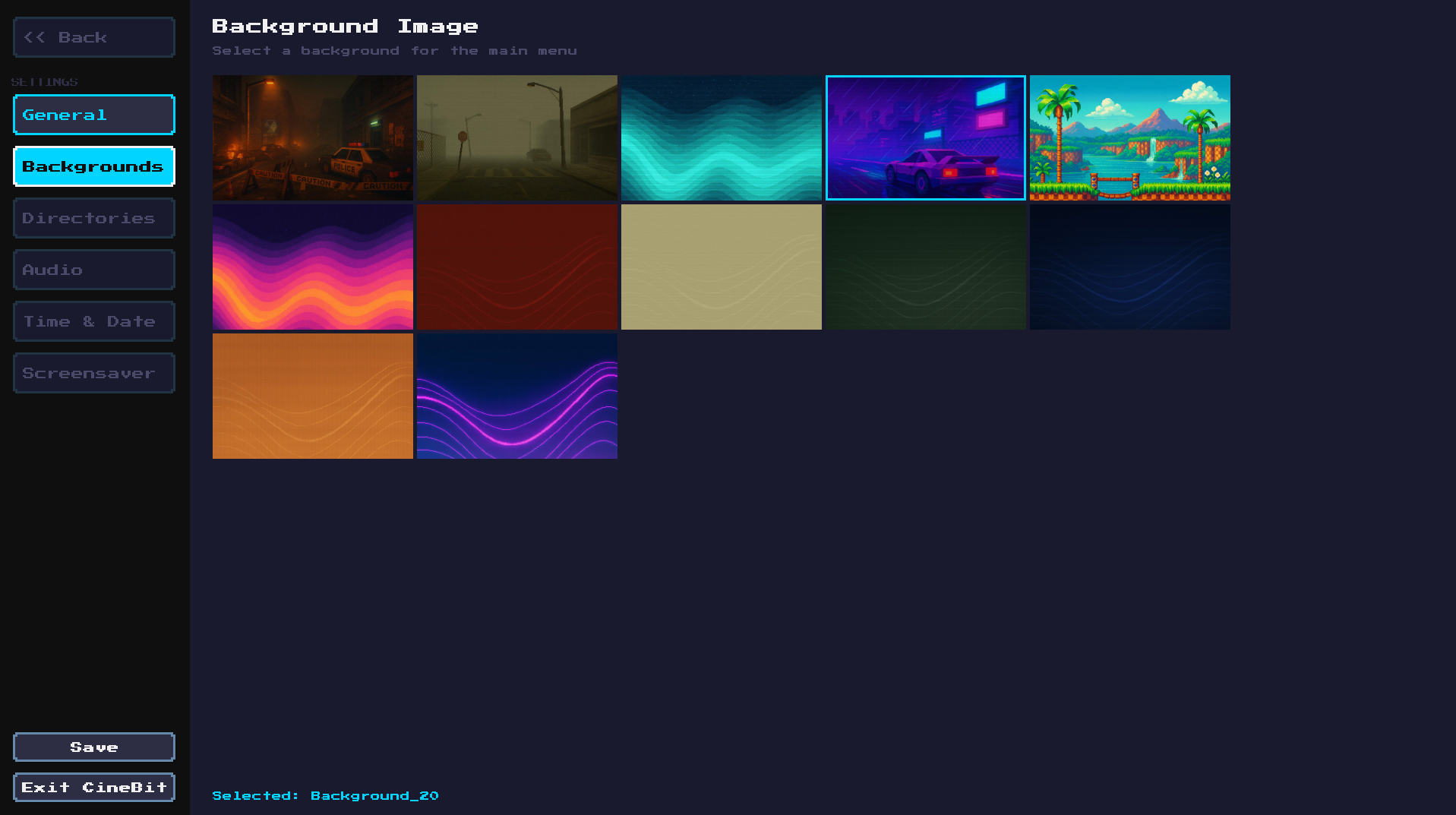
- The CineBit Store brings free games, apps and backgrounds you can install from inside CineBit.
- Retro Games plays your own classic games, from NES to PSP and now GameCube and Nintendo 3DS, with resume points, favourites and box art.
- Games & Apps Drawer puts everything you installed in one place on the main menu.
- Music Visualizers show a full-screen Now Playing with 16-bit Waves or LED Bars: press Y while music plays.
- Album Covers now also come from a cover image saved beside your songs.
- SPIN spins a reel of posters and stops on a random unwatched movie.
- File Management can now delete files and folders on your drives, and you choose which drives show on the home screen.
- Linux AppImage now runs on Ubuntu 22.04, Linux Mint 21, Debian 12 and newer.
- Night Light warms the screen in the evening on CineBit OS, on a schedule or whenever you like.
- Controllers on CineBit OS pair reliably over Bluetooth, show their battery in Quick Settings, and can wake the device from sleep.
ABOUT CINEBIT
CineBit is a media center built for people who own their content. Point it at your local collection and browse your films, TV series, music, and photos with rich metadata, posters, and descriptions pulled from TMDb. No streaming subscriptions, no cloud dependency — your media, your machine.
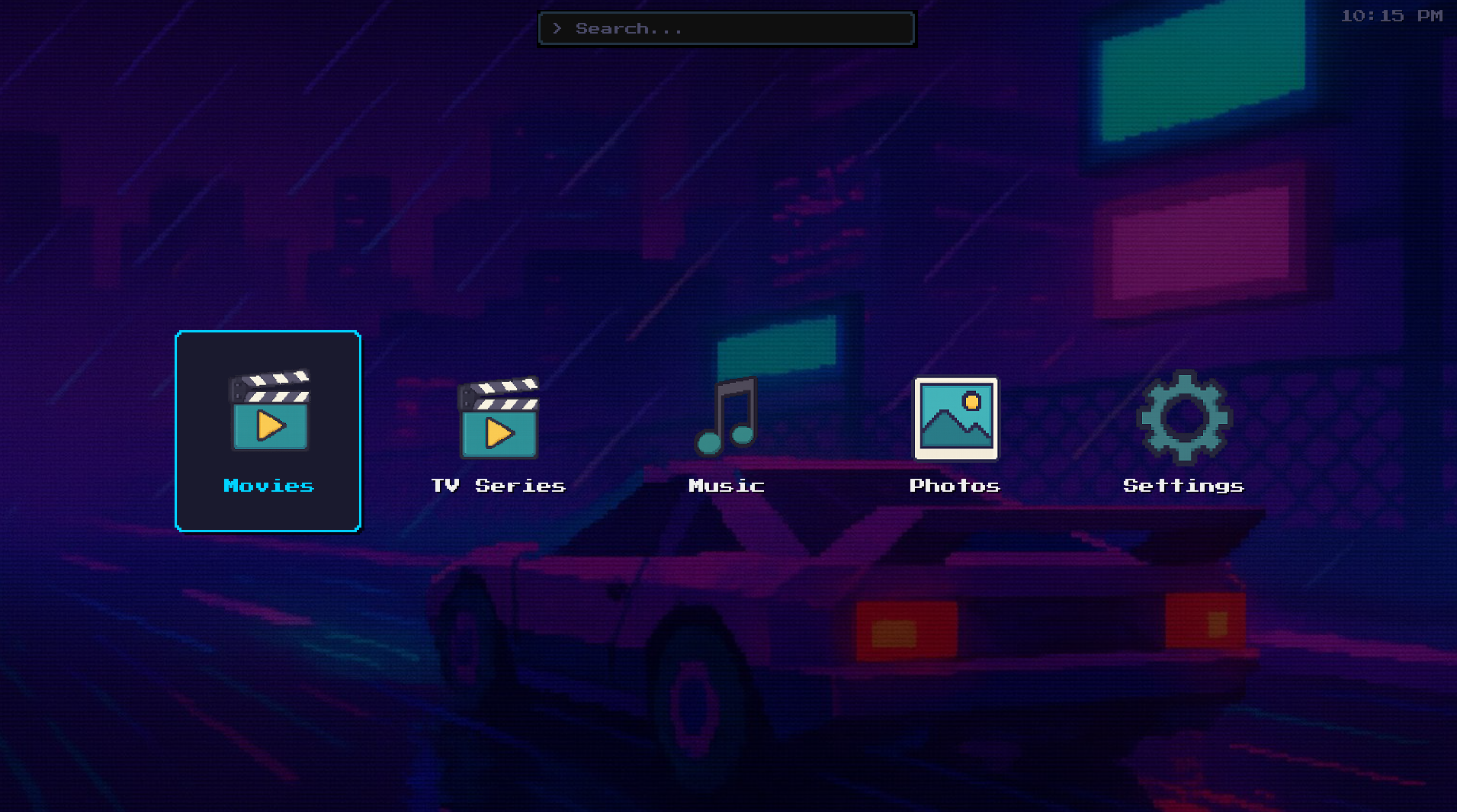
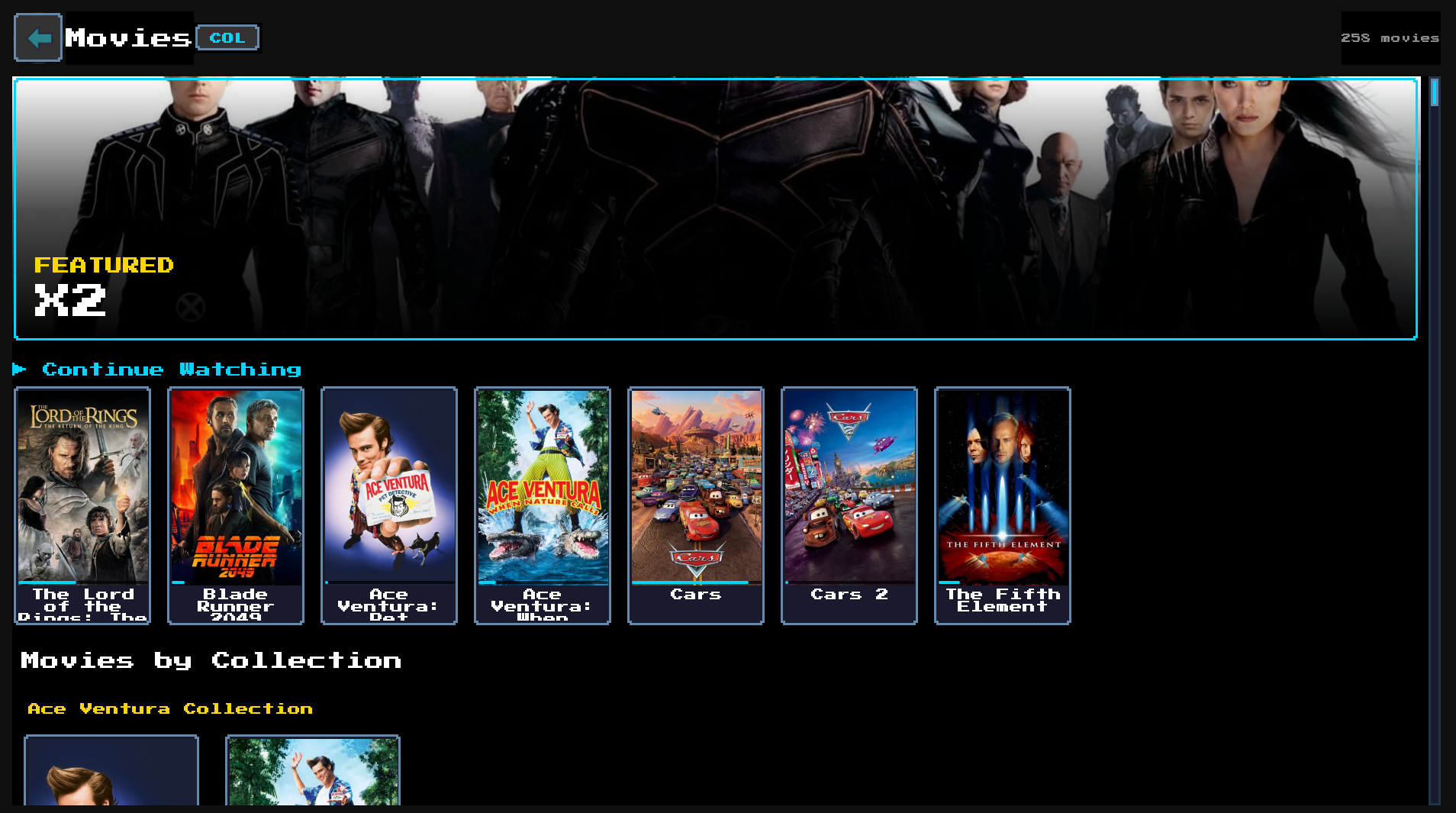
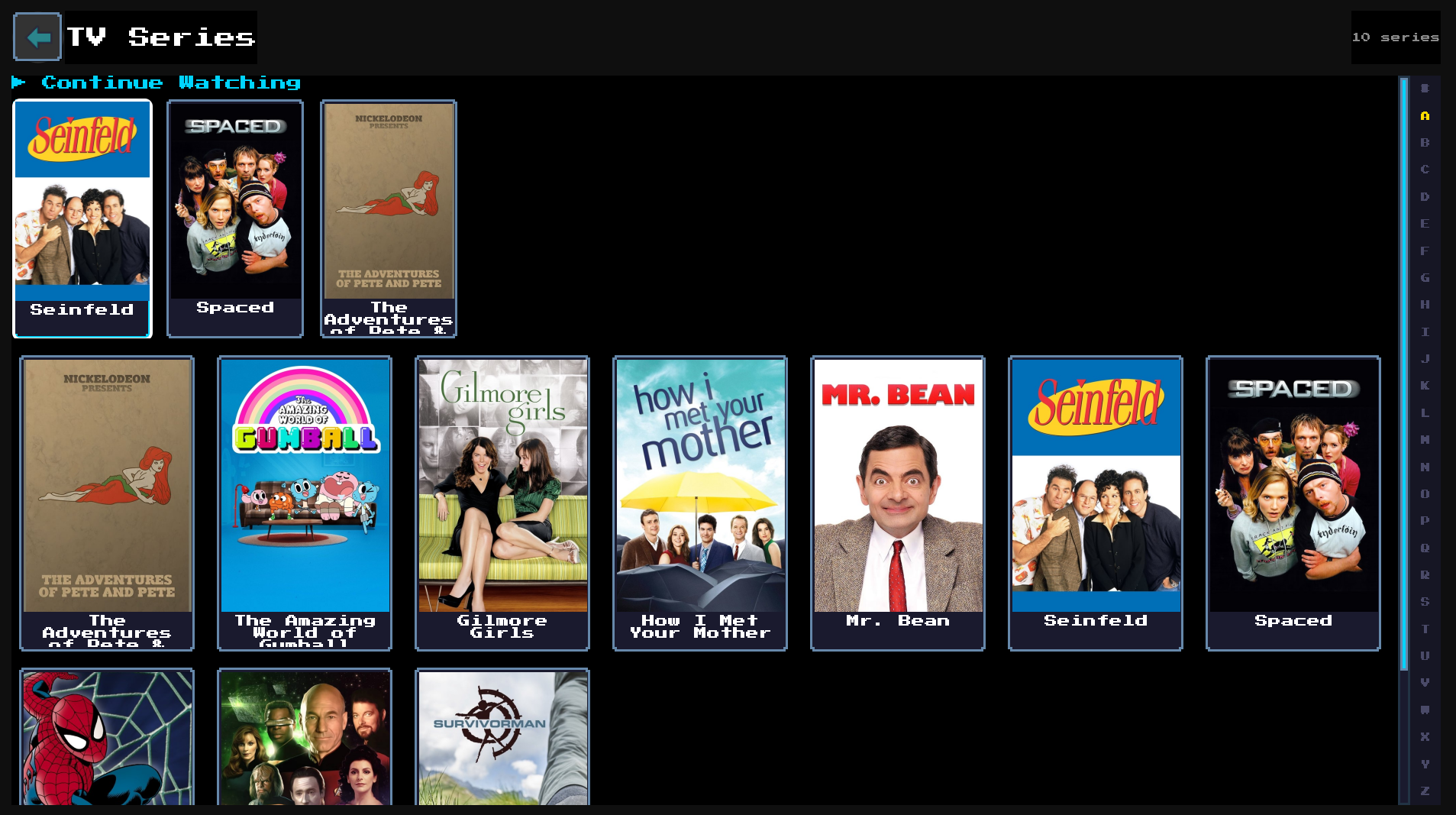
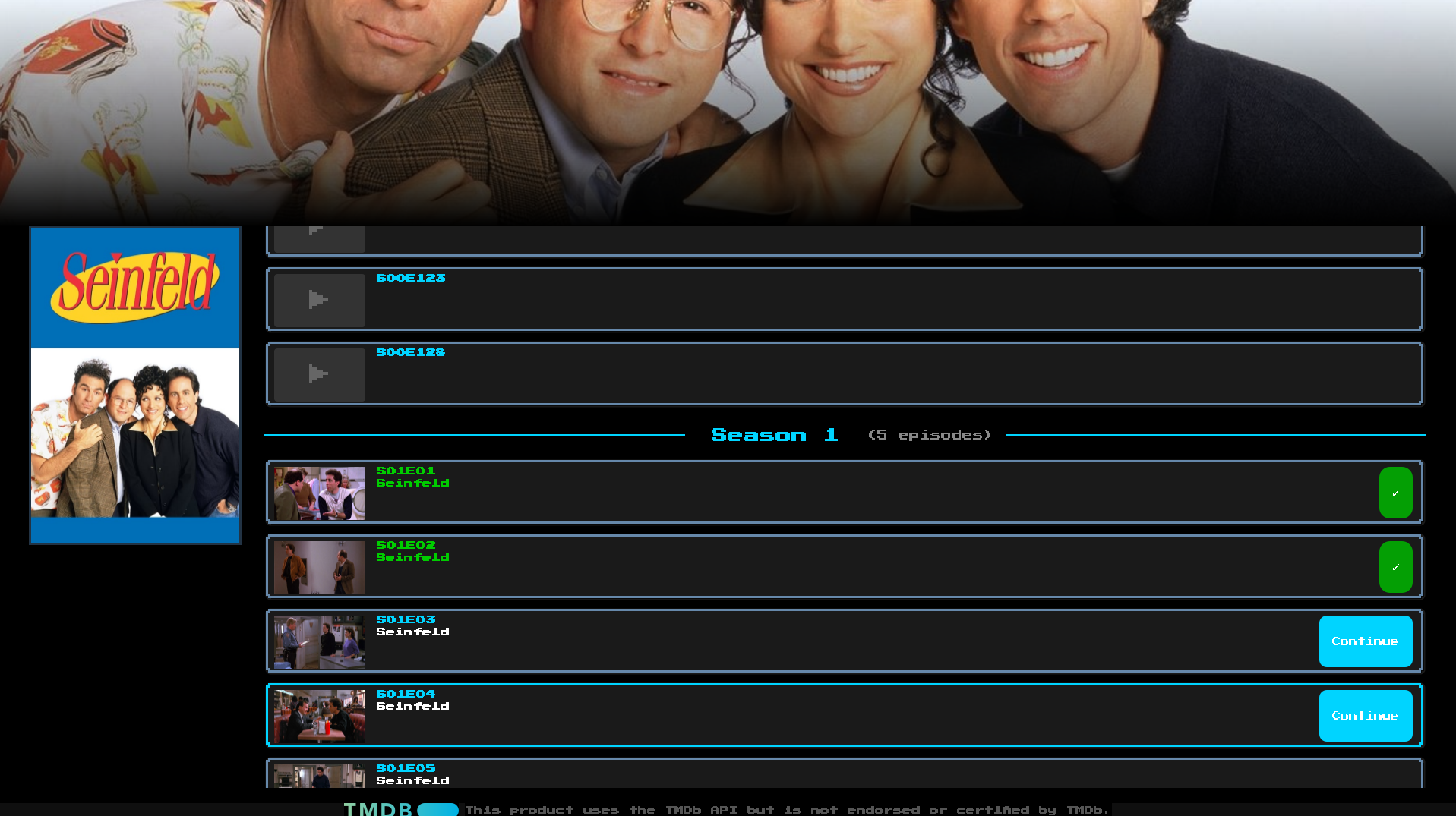
- Movies & TV Shows with automatic TMDb metadata, posters, and cast info
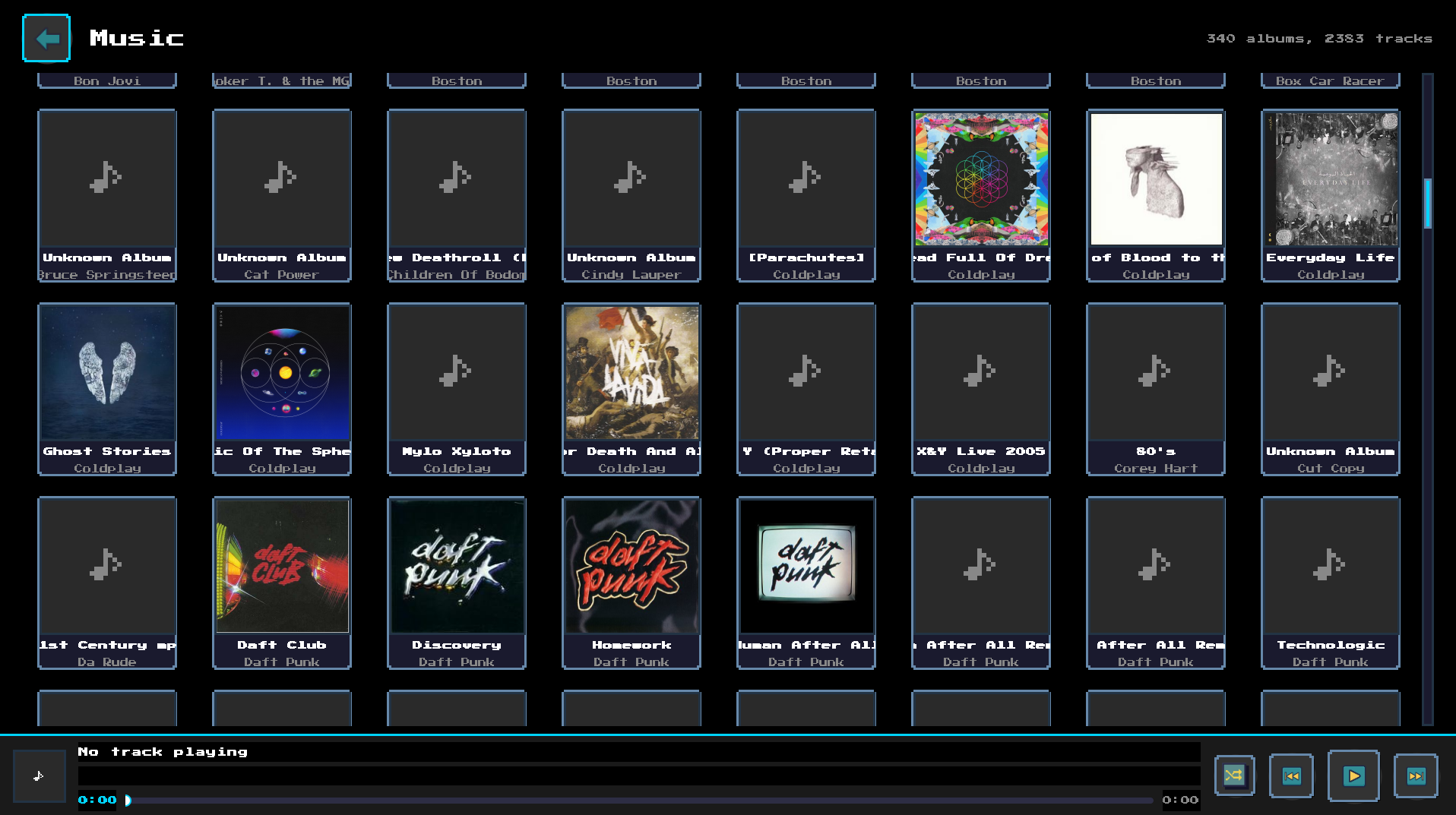
- Music player with album art, shuffle, and background playback
- Photo gallery with slideshow mode
- Built-in video player powered by VLC
- Edit metadata manually or search TMDb for corrections
- Continue Watching — pick up right where you left off
- No streaming, no subscriptions — plays files you already own
CINEBIT OS
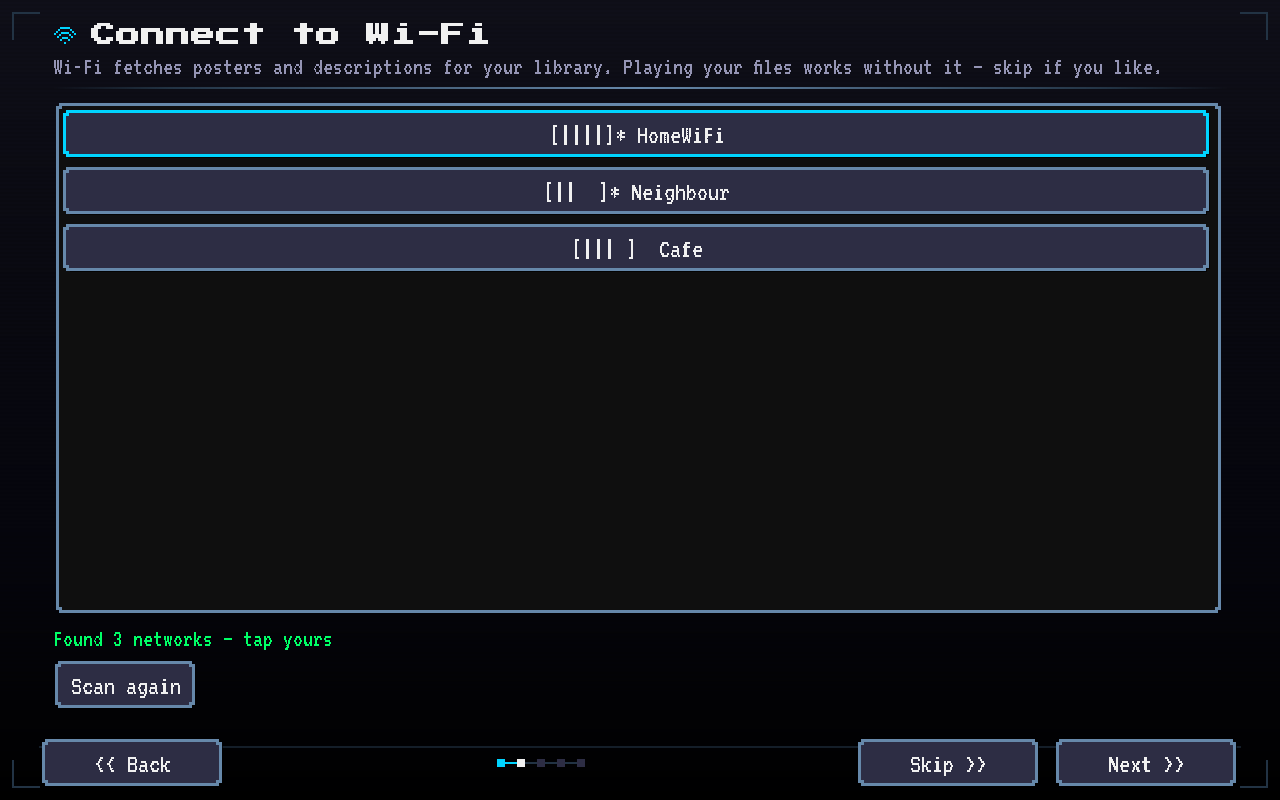
CineBit OS turns a PC, mini PC or tablet into a CineBit box. It is a small Linux system that starts straight into CineBit: no desktop, no login. A short setup connects Wi-Fi and finds your media, and everything works by touch, controller or keyboard.
CineBit OS v1.4.0
- Starts straight into CineBit, full screen
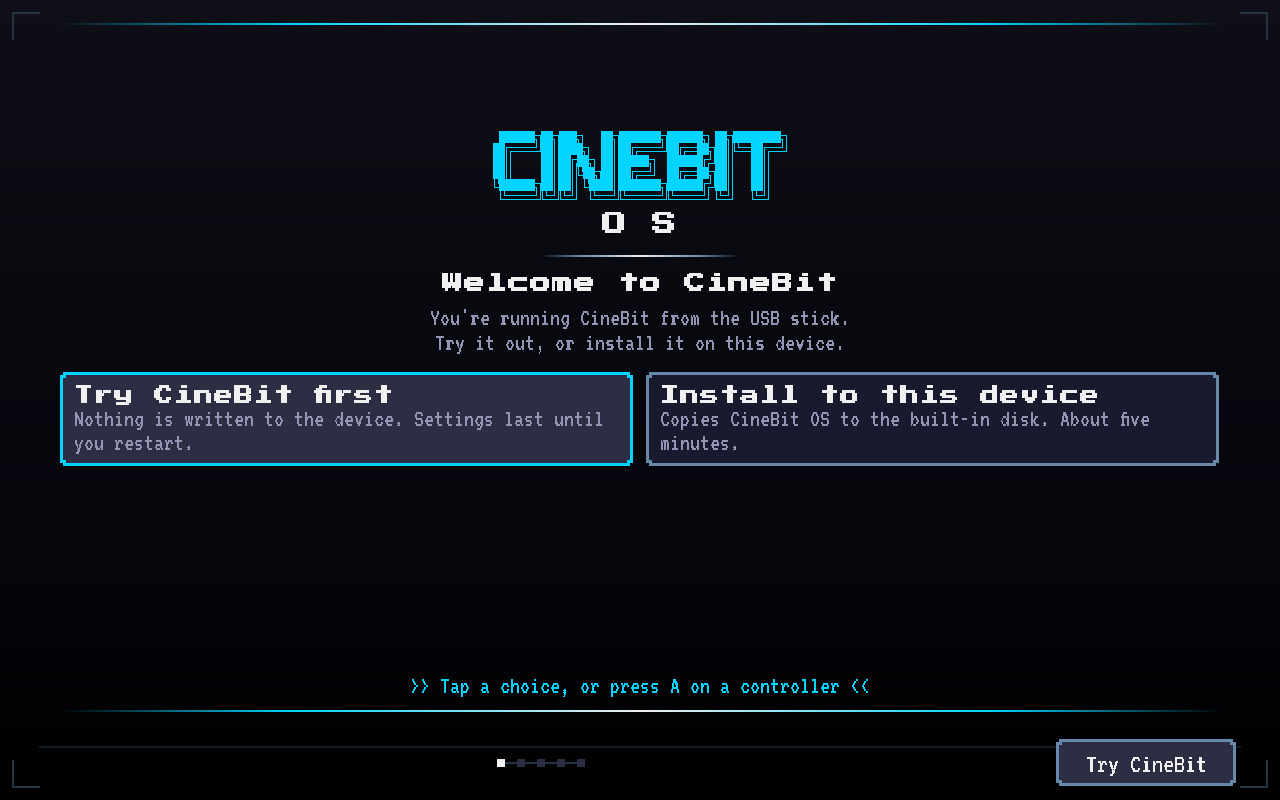
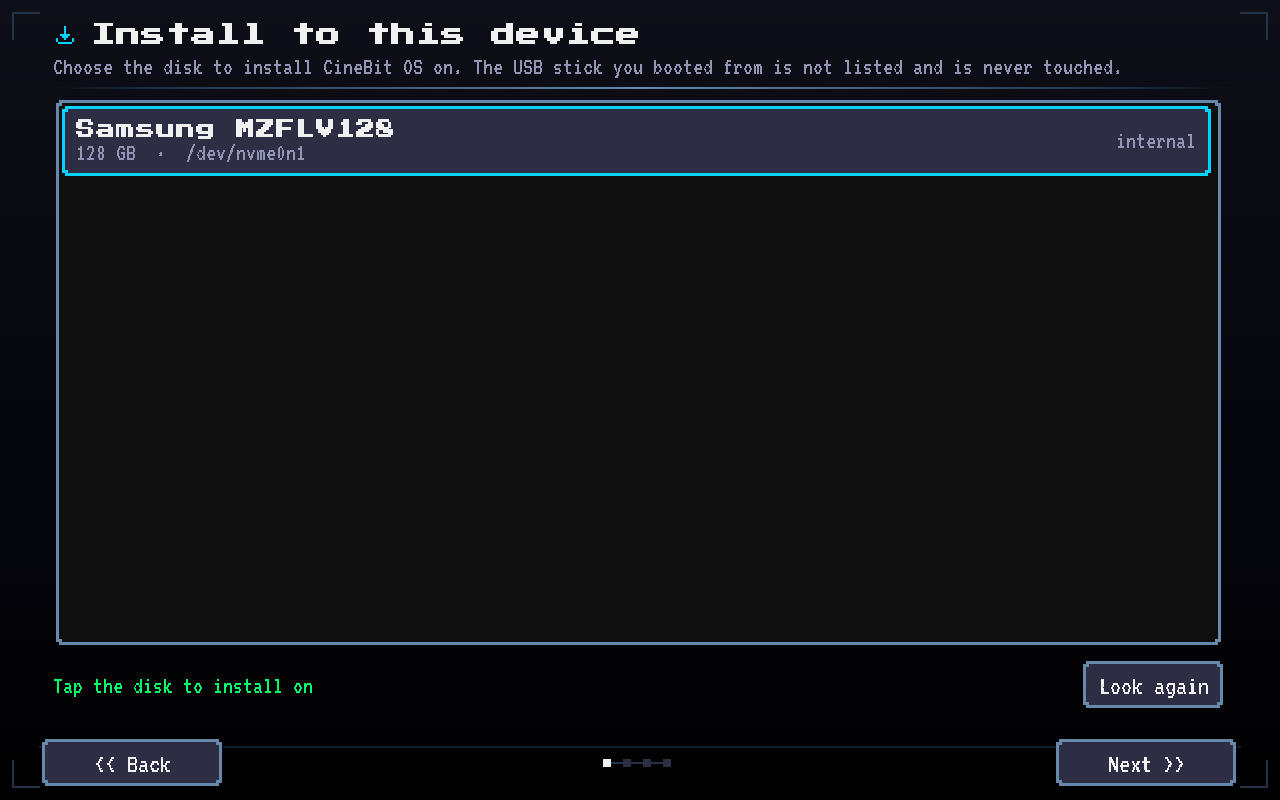
- Try it from the USB stick, or install it to the built-in drive in about five minutes
- Touch, controller, keyboard or mouse
- Wi-Fi, sound, display and power settings, all usable without a keyboard
- USB drives and SD cards show up as soon as you plug them in
- Updates over Wi-Fi or from a USB stick, and goes back to the last version that worked if an update fails to start
- Parent PIN keeps the settings locked
- Games, apps and backgrounds from the CineBit Store
- Night Light for warmer colours in the evening
What you need
- A 64-bit PC (UEFI or BIOS) with 2 GB of RAM and an 8 GB drive
- A USB stick of 1 GB or more
- Secure Boot turned off
How to install
- 1. Download the ISO and write it to a USB stick with balenaEtcher or Rufus
- 2. Boot the PC from the stick
- 3. Choose Try CineBit first, or Install to this device (this erases the drive you pick)
Tested on a Microsoft Surface Go and in VirtualBox.
STEAM DECK COMPATIBLE
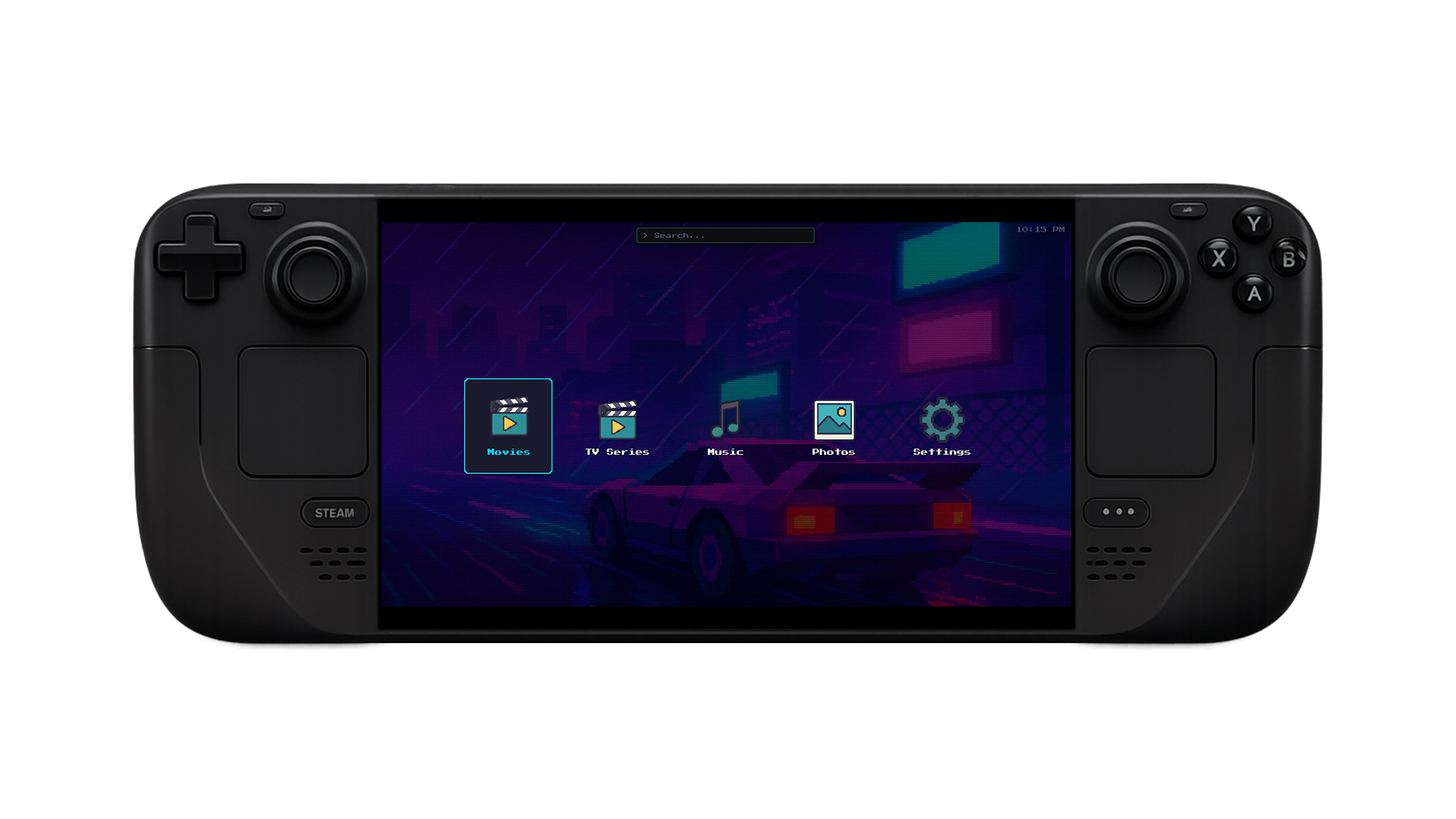
CineBit runs natively on the Steam Deck in Game Mode. Full controller support with D-pad navigation, rumble feedback, and an on-screen keyboard. Resolution scaling adapts automatically to the Deck's 800p display. Add CineBit as a non-Steam game and it works seamlessly alongside your game library.
- Full gamepad support — Xbox, PlayStation, Nintendo, and Steam Deck controls
- D-pad navigation, A/X to select, B/O to go back
- Nintendo button layout option (swaps confirm/cancel)
- On-screen keyboard for search and text input
- Auto-scaling from 720p to 4K
- Sleep/screensaver inhibition during video playback
- Rumble/haptic feedback on supported controllers
RETRO BY DESIGN
CineBit has a 16-bit retro visual aesthetic throughout. Custom pixel art icons, a DVD-logo bouncing screensaver, and a clean interface designed for couch use with a controller or remote.
This product uses the TMDb API but is not endorsed or certified by TMDb.
FAQ
Does CineBit require a server or cloud account?
No. CineBit is fully local and plays media stored on your machine. No server setup required.
Does CineBit work on the Steam Deck?
Yes. CineBit runs natively on Steam Deck in Game Mode with full controller support.
Where does CineBit get movie metadata?
CineBit fetches metadata, posters, and cast info automatically from TMDb.
What is the difference between CineBit and CineBit OS?
CineBit is an app for Windows, Linux and the Steam Deck. CineBit OS is the same app with its own operating system, for a device that only runs CineBit.
Will installing CineBit OS erase my computer?
Installing replaces everything on the drive you choose. Try CineBit first runs from the USB stick and changes nothing.
How does CineBit OS update?
It checks for updates over Wi-Fi and asks before installing anything. If a new version fails to start, it goes back to the one that worked.
YOU MIGHT ALSO LIKE

Retro game launcher with Steam, GOG, and Proton integration.

Fast, lightweight RAW image editor for photographers.